
Downloading on Mac
Download Button
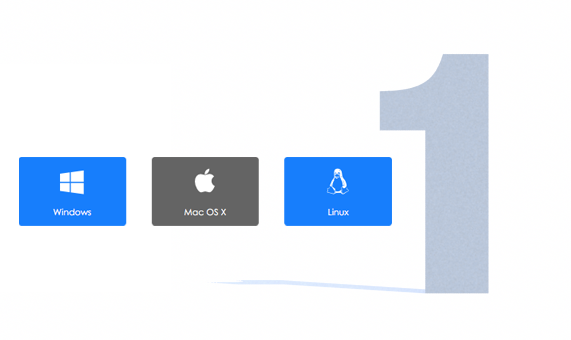
In the game's page, select the Mac download button.
Decompressing
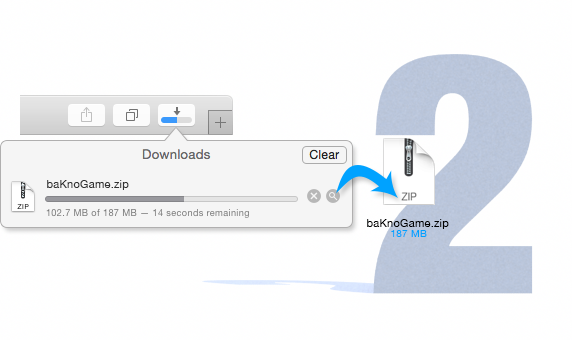
A compressed Zip file will be downloaded. You will find it in your default downloads location (usually the Desktop or the Downloads folder). Double click this file to begin decompression. Afterward, the game will be ready to run.
Play!
Double-click the game’s icon to start playing.

Downloading on Windows
Download Button
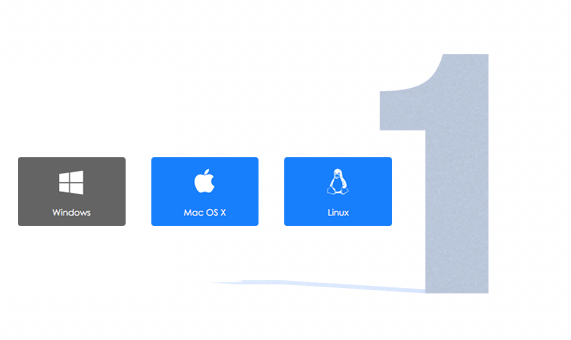
In the game's page, select the Windows download button.
Downloading Options
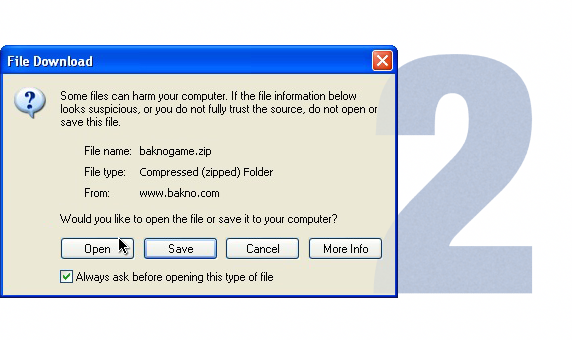
A window like the one shown will appear. Select either Open or Save. The Open option will open a window like the one in step 3. The Save option will leave the compressed (zip) file in your selected location, wait for it to finish and open it.
Decompressing
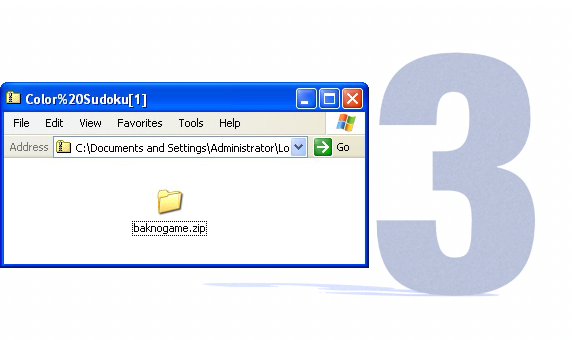
Drag or Save the game folder into your desired location. Do not try to run the game from this window.
Play!
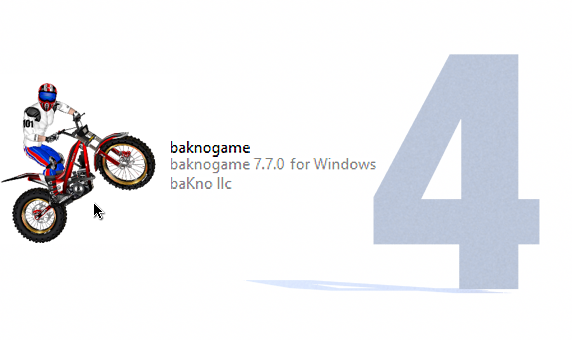
Open the saved folder and double-click the game’s icon to start playing.
Downloading on Linux
Download Button
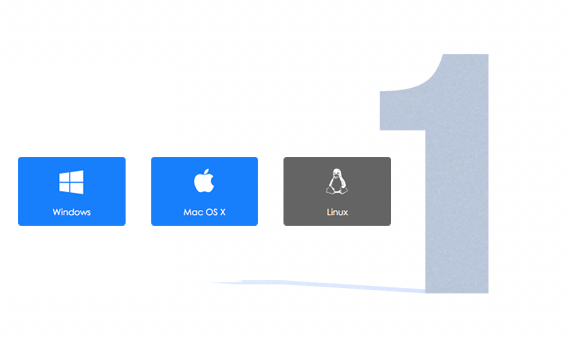
In the game's page, select the Linux download button.
Downloading Options
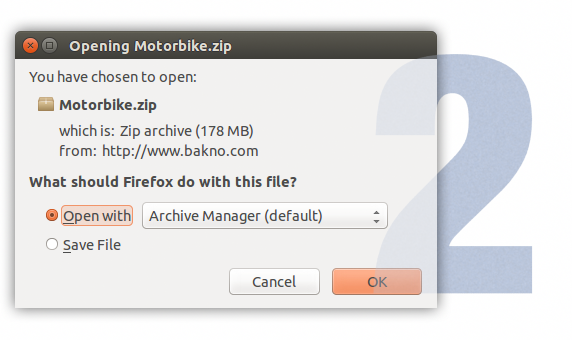
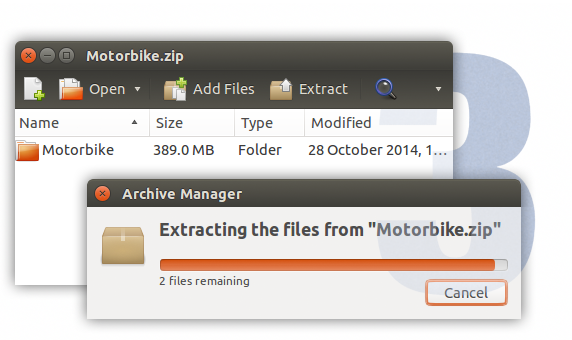
A window like the one shown will appear. Select either Open or Save. The Open option will open a window like the one in step 3. The Save option will save the compressed (zip) file in your selected location. Save the file and open it.
Decompressing
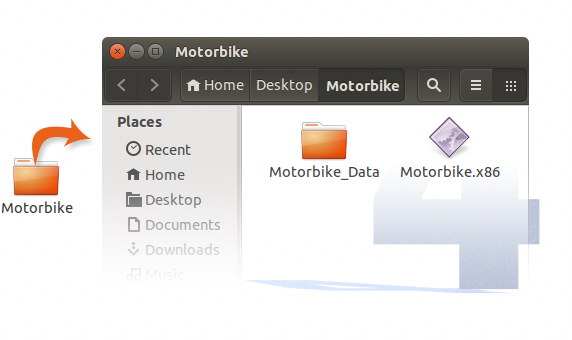
Drag or Save the game folder into your desired location. Do not try to run the game from this window.
Play!
Open the saved folder and double click the game’s icon (.x86 file) to start playing.
Play Some More…






















Corporate Information
Social Media
baKno Games. All rights reserved.
Contact us at info@bakno.com or fill this form.
In-game advertising: ingame@dolfincontent.com.


